Build a setup
Answer a few questions and get a setup matched to your platform, budget, and goals.
Build My SetupStart smart. Stream with confidence.
Build a setup, compare gear, or fix a streaming problem. Find the next step that works for your platform, budget, and goals.
Start here
Answer a few questions and get a setup matched to your platform, budget, and goals.
Build My SetupCompare microphones, webcams, capture cards, headsets, lighting, and PC hardware.
Browse GearStreaming gear guides
Use category guides to narrow your options before following a retailer link.
The reading list
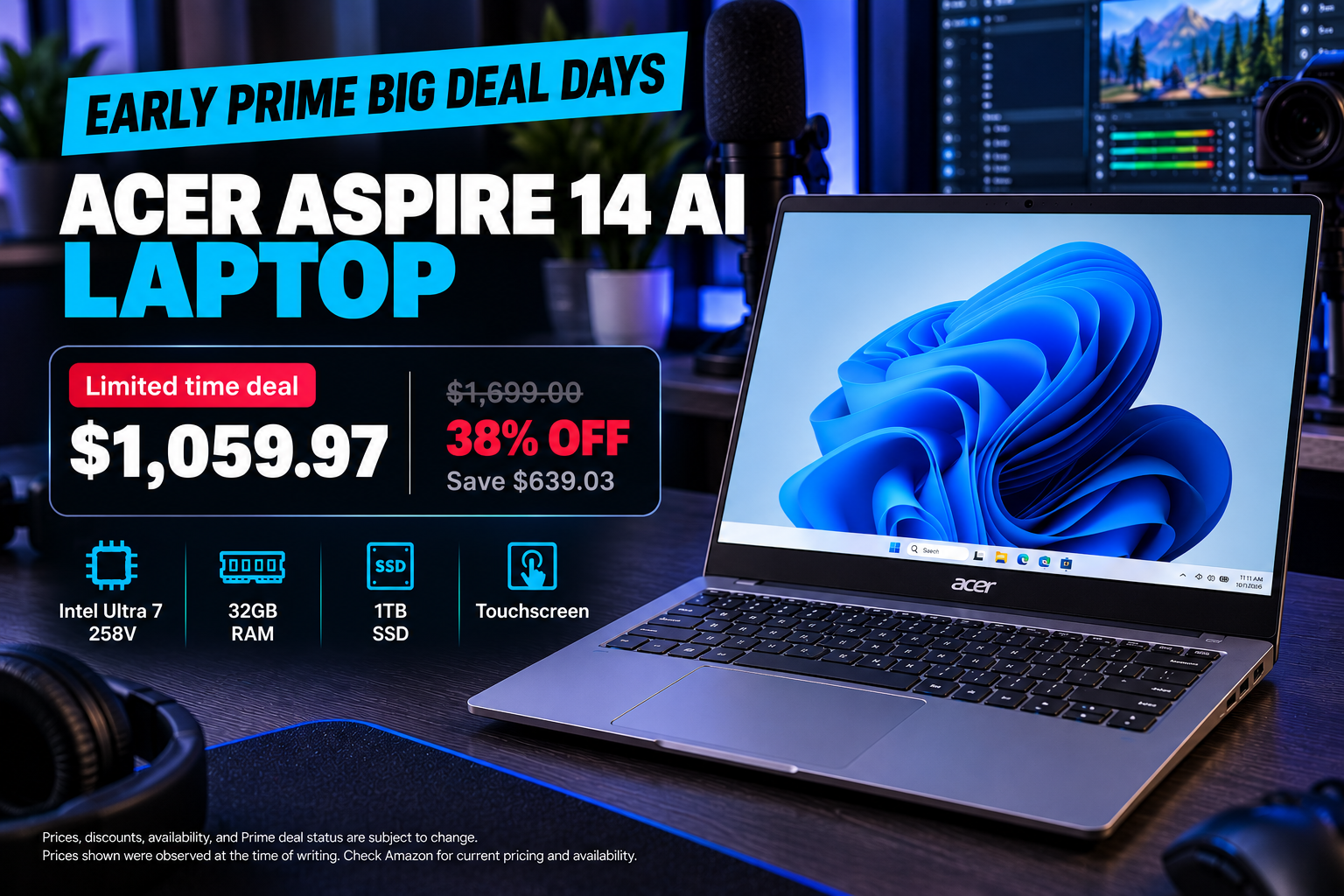
Discover whether the Acer Aspire 2026 configuration with 32GB RAM and an Intel Ultra 7 258V, currently discounted by 38%, fits your streaming and content creation workflow.
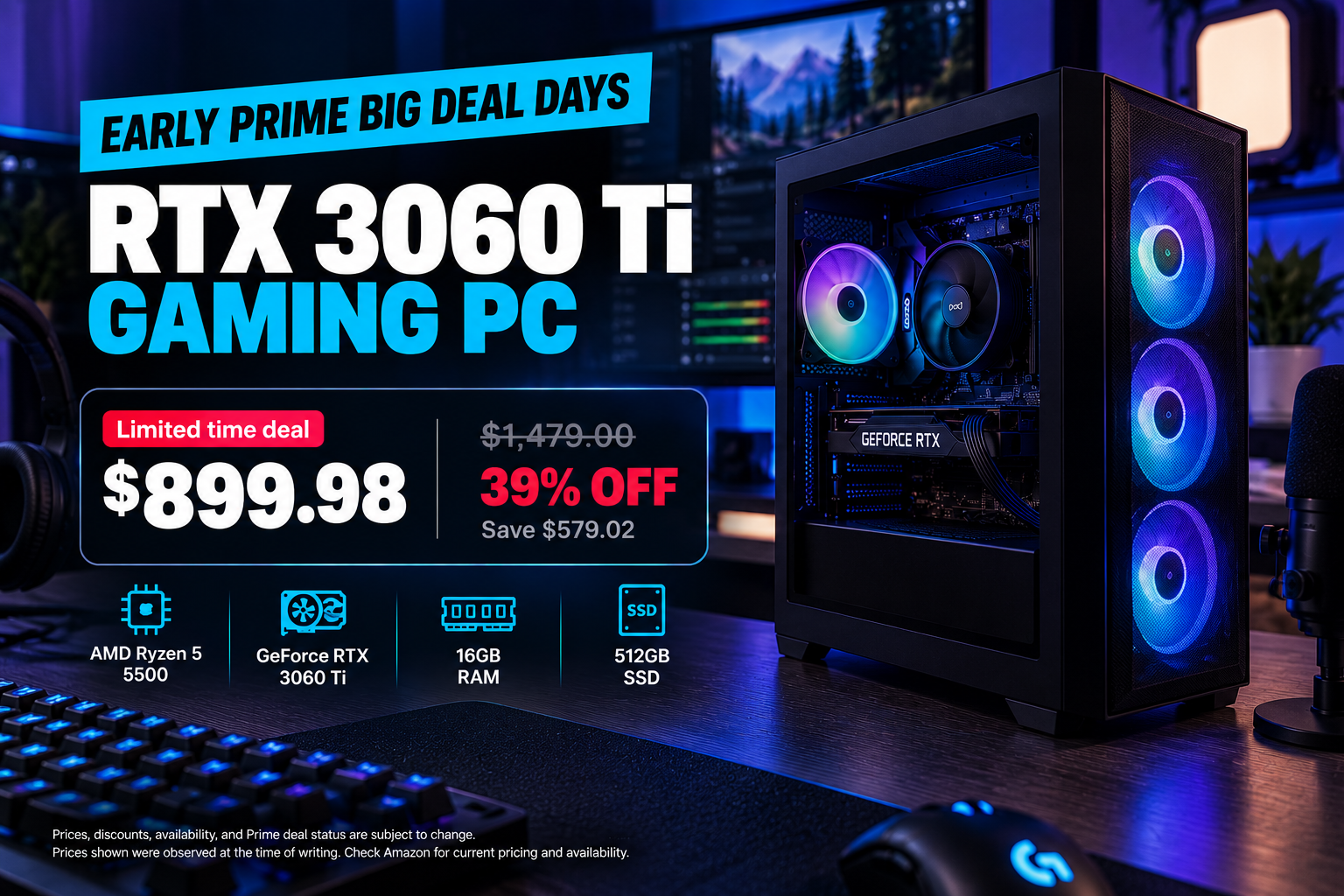
Aspiring streamers can save $579 on an RTX 3060 Ti prebuilt gaming PC ahead of Prime Big Deal Days. Explore hardware specs, streaming suitability, and buying considerations.
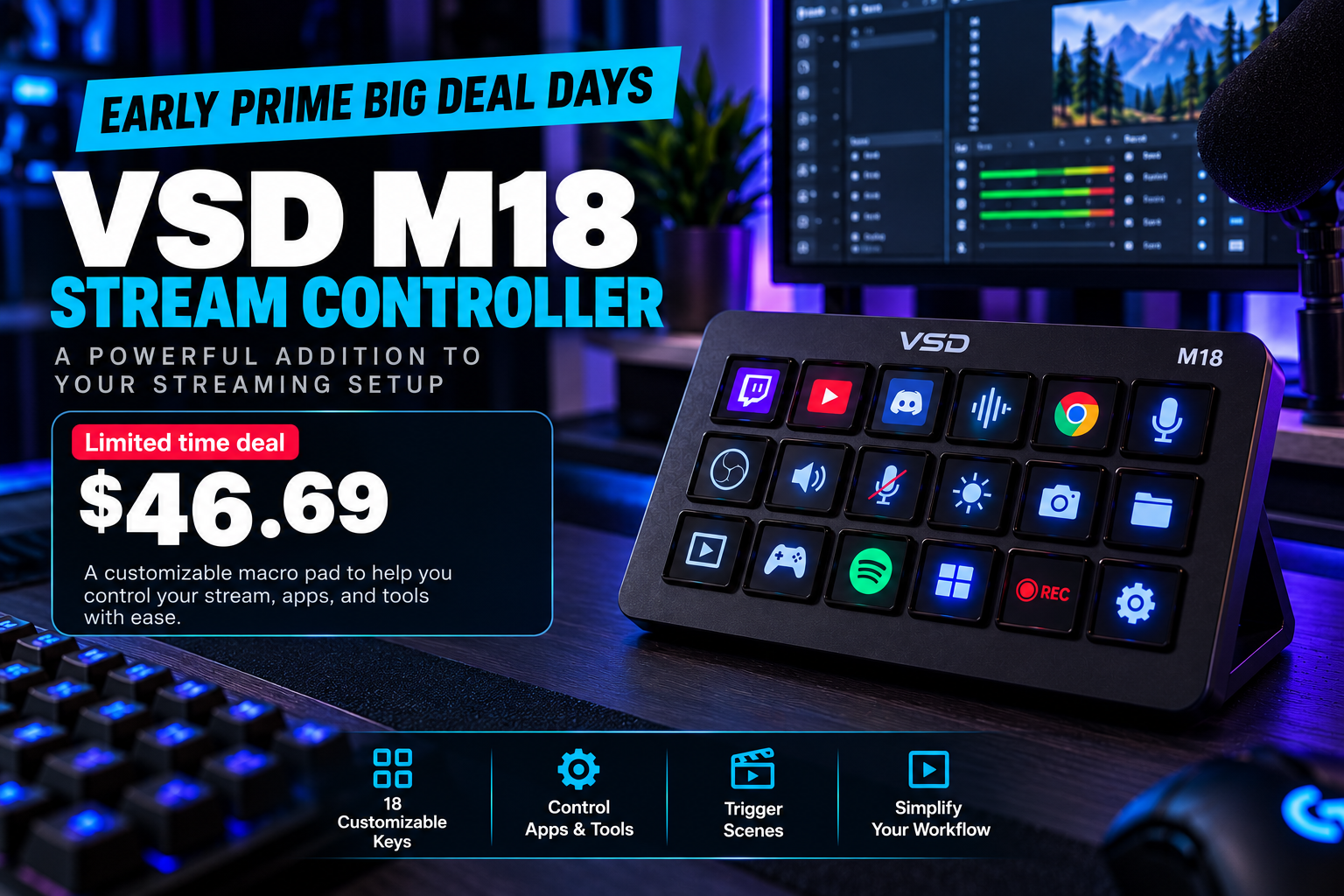
Looking for a streaming deck alternative without a hefty price tag? Check out this early Prime Big Deal Days deal on the VSD M18 stream controller.
Choose your starting point
Get back to streaming
Learn one upgrade at a time
Discover whether the Acer Aspire 2026 configuration with 32GB RAM and an Intel Ultra 7 258V, currently discounted by 38%, fits your streaming and content creation workflow.
Aspiring streamers can save $579 on an RTX 3060 Ti prebuilt gaming PC ahead of Prime Big Deal Days. Explore hardware specs, streaming suitability, and buying considerations.
Looking for a streaming deck alternative without a hefty price tag? Check out this early Prime Big Deal Days deal on the VSD M18 stream controller.
Your setup, not someone else’s
Answer a few questions about your content, current gear, priorities, and budget to get a practical starting plan.
PC, console, or mobile. Start with what you have.
Audio, camera, and the content you want to make.
A practical plan with room to grow.
Popular guide paths
Start with a practical workflow, then go deeper only where your stream needs it.
BEGINNER
Work through equipment, software, testing, and go-live essentials in order.
Follow the checklistSOFTWARE
Understand scenes, sources, encoders, alerts, and the tradeoffs between tools.
Explore software guidesAUDIO
Fix placement, levels, room noise, and monitoring before replacing equipment.
Explore audio guidesNew coverage hub
Follow confirmed platform information, capture planning, OBS guidance, creator hardware, and future PC coverage without treating rumors as requirements.
How this site works
PROCESS
See how sources, updates, AI-assisted drafts, and corrections are handled.
Read the editorial policyDISCLOSURE
Some retailer links may earn the site a commission without changing the purchase price.
Read the disclosureMISSION
Learn why the site favors clear workflows and purposeful upgrades over expensive starter lists.
About the siteStraight answers
No. Start with the device you own, understandable audio, stable internet, and a simple workflow. Upgrade only after you can name the limitation you need to solve.
For many beginners, clear and consistent audio makes the larger practical difference. Your content and current setup should still guide the decision.
Choose software that supports your platform, essential sources, and comfort level. Compare current features in official documentation because requirements and capabilities change.
The setup finder scores reusable setup paths against your answers and explains each match. It does not require an external account or send your answers to an AI service.